Docker Container
GeoServer is also packaged as a Docker Container. For more details, see the GeoServer Docker Container Project.
See the README.md file for more technical information.
Quick Start
This will run the container, with the data directory included with the container:
-
Make sure you have Docker installed.
-
Download the container:
These instructions are for GeoServer 3.1-SNAPSHOT which is provided as a Nightly release. Testing a Nightly release is a great way to try out new features, and test community modules. Nightly releases change on an ongoing basis and are not suitable for a production environment.
-
Run the container
-
In a web browser, navigate to
http://localhost:8080/geoserver.When you see the GeoServer Welcome page, then GeoServer is successfully installed.
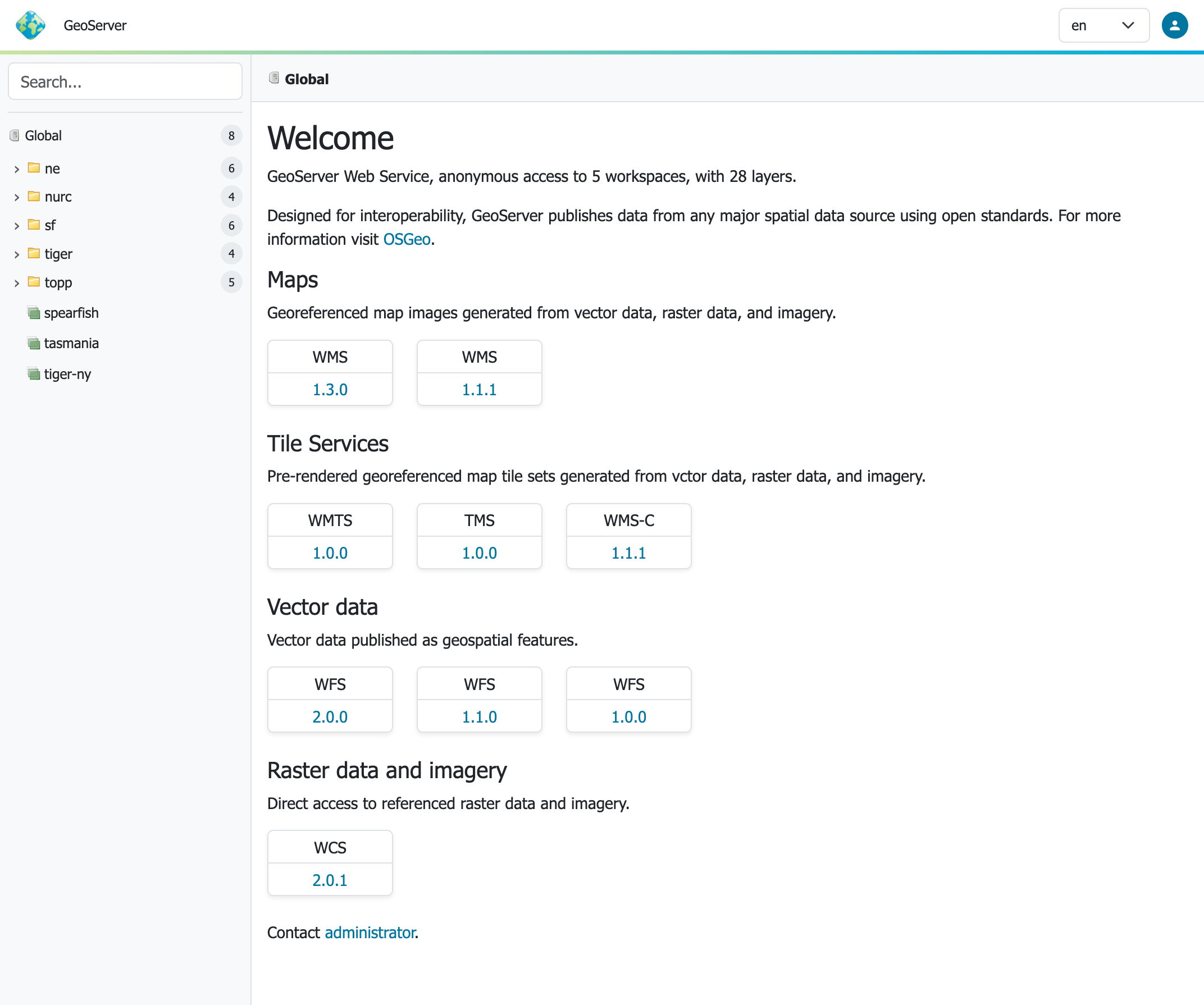
GeoServer Welcome Page
-
This setup is a quick test to ensure the software is working, but is difficult to use as file data can only be transferred to the data directory included with the container via the REST API.
Using your own Data Directory
This will run the container with a local data directory. The data directory will be mounted into the docker container.
Note
Change /MY/DATADIRECTORY to your data directory. If this directory is empty it will be populated with the standard GeoServer Sample Data Directory.
-
Make sure you have Docker installed.
-
Download the container
-
Run the container
-
In a web browser, navigate to http://localhost:8080/geoserver.
When you see the GeoServer Welcome page displayed, then GeoServer is successfully installed.
GeoServer Welcome Page
-
This setup allows direct management of the file data shared with the container. This setup is also easy to update to use the latest container.
Adding GeoServer Extensions
You can add GeoServer Extensions - the container will download them during startup.
docker run -it -p 8080:8080 \
  --env INSTALL_EXTENSIONS=true \
  --env STABLE_EXTENSIONS="ysld,ogcapi-features" \
  docker.osgeo.org/geoserver:3.1.x
This will download and install the YSLD and OGCAPI - Features extension.
Here is a list of available extensions (taken from the build server):
- app-schema
- authkey
- cas
- charts
- control-flow
- css
- csw
- csw-iso
- datadir-catalog-loader
- db2
- dxf
- excel
- feature-pregeneralized
- gdal
- geofence
- geofence-server-h2
- geofence-server-postgres
- geofence-wps
- geopkg-output
- grib
- gwc-s3
- iau
- importer
- inspire
- jp2k
- kml
- libjpeg-turbo
- mapml
- mbstyle
- metadata
- mongodb
- monitor
- mysql
- netcdf
- netcdf-out
- ogcapi-features
- ogr-wfs
- ogr-wps
- oracle
- params-extractor
- printing
- pyramid
- querylayer
- rat
- sldservice
- sqlserver
- vectortiles
- wcs2_0-eo
- web-resource
- wmts-multi-dimensional
- wps
- wps-cluster-hazelcast
- wps-download
- wps-jdbc
- ysld
Testing GeoServer Community modules
Working with a Nightly build is a good way to test community modules and provide feedback to developers working on new functionality.
To work with community modules you must be using the GeoServer 3.1.x nightly build that matches the community module build:
docker run -it -p 8080:8080 \
  --env INSTALL_EXTENSIONS=true \
  --env STABLE_EXTENSIONS="ysld,h2" \
  --env COMMUNITY_EXTENSIONS="ogcapi-maps,ogcapi-styles,ogcapi-tiles" \
  docker.osgeo.org/geoserver:3.1.x
For the current list see GeoServer build server.
- acl
- backup-restore
- cog-azure
- cog-google
- cog-http
- cog-s3
- colormap
- cov-json
- dds
- elasticsearch
- features-autopopulate
- features-templating
- flatgeobuf
- gdal-wcs
- gdal-wps
- geopkg
- gpx
- graticule
- gsr
- gwc-azure-blobstore
- gwc-mbtiles
- hz-cluster
- importer-jdbc
- jdbcconfig
- jdbcstore
- jms-cluster
- libdeflate
- mbtiles
- mbtiles-store
- mongodb-schemaless
- monitor-kafka
- ncwms
- netcdf-ghrsst
- notification
- ogcapi-coverages
- ogcapi-dggs
- ogcapi-maps
- ogcapi-styles
- ogcapi-tiles
- ogr-datastore
- opensearch-eo
- png-wind
- proxy-base-ext
- s3-geotiff
- sec-keycloak
- sec-oauth2-geonode
- sec-oauth2-github
- sec-oauth2-google
- sec-oauth2-openid
- smart-data-loader
- solr
- spatialjson
- stac-datastore
- taskmanager-core
- taskmanager-s3
- vector-mosaic
- vsi
- webp
- wfs-freemarker
- wps-longitudinal-profile