Installing the Schemaless Mongo module
-
Login, and navigate to About & Status > About GeoServer and check Build Information to determine the exact version of GeoServer you are running.
-
Visit the website download page, change the Development tab, and locate the nightly release that corresponds to the GeoServer you are running.
Follow the Community Modules link and download
mongodb-schemalesszip archive.- 3.1.0-SNAPSHOT example: mongodb-schemaless
The website lists active nightly builds to provide feedback to developers, you may also browse for earlier branches.
-
Extract the contents of the archive into the
WEB-INF/libdirectory in GeoServer.Warning
Verify that the version number in the filename corresponds to the version of GeoServer you are running (for example geoserver-3.1.0-SNAPSHOT-mongodb-schemaless-plugin.zip above).
-
Restart GeoServer.
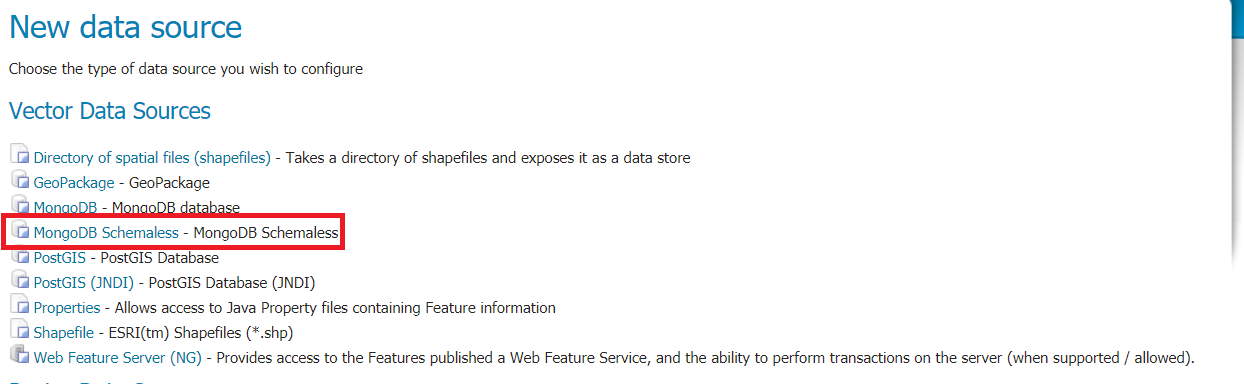
On restart the
MongoDB Schemalessvector source option is available from theNew Data Sourcepage: