Welcome
The Welcome Page lists the web services published by GeoServer for mapping, data access and processing.
Web Services
The welcome page lists the global web services (accessing the complete list of layers).
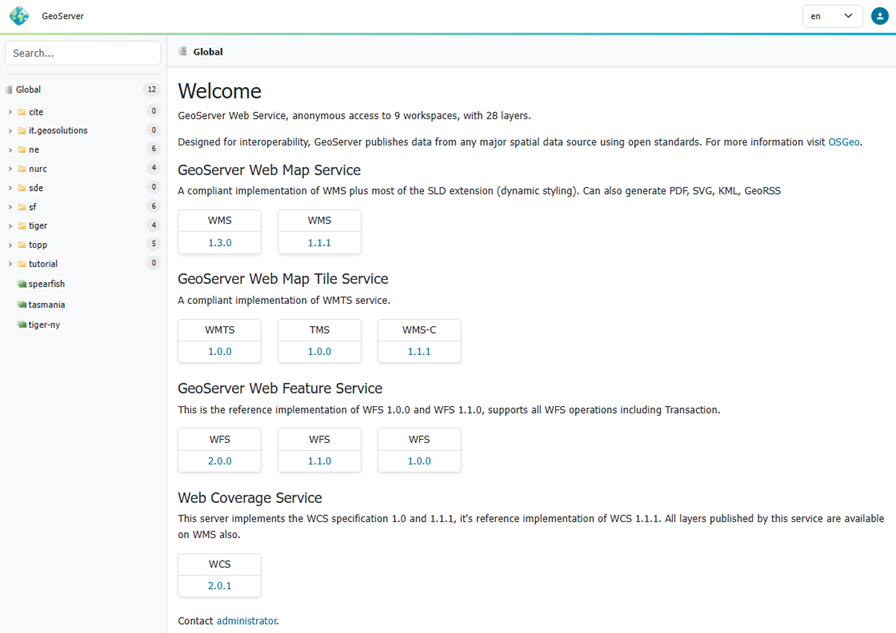
Welcome Page Global Services
To use copy-and-paste the web services URLs into your Desktop GIS or web mapping application.
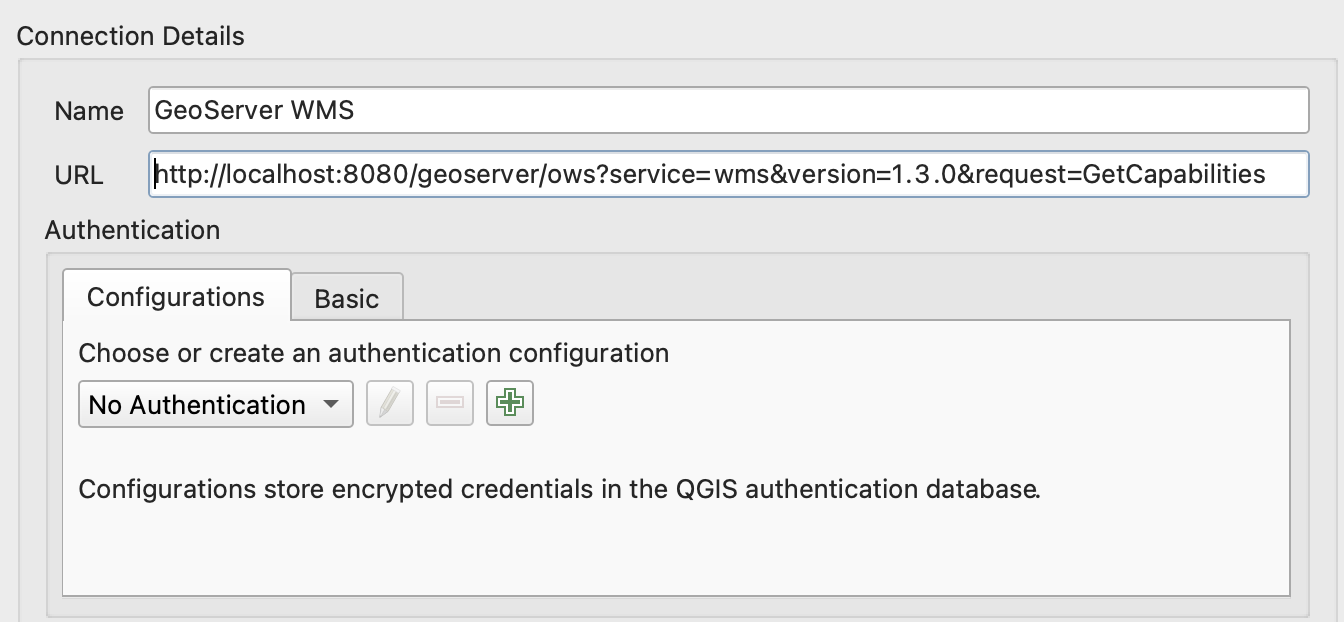
QGIS Desktop GIS WMS Connection
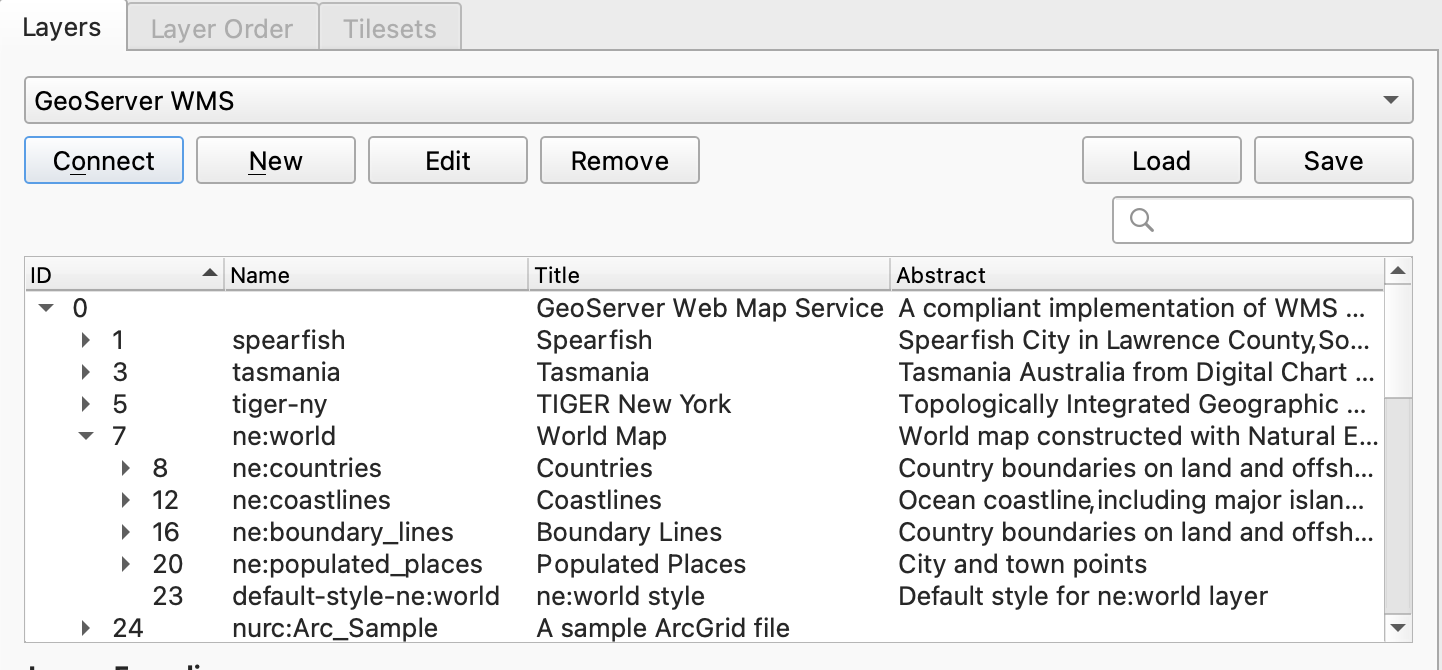
QGIS Desktop GIS Add WMS Layer
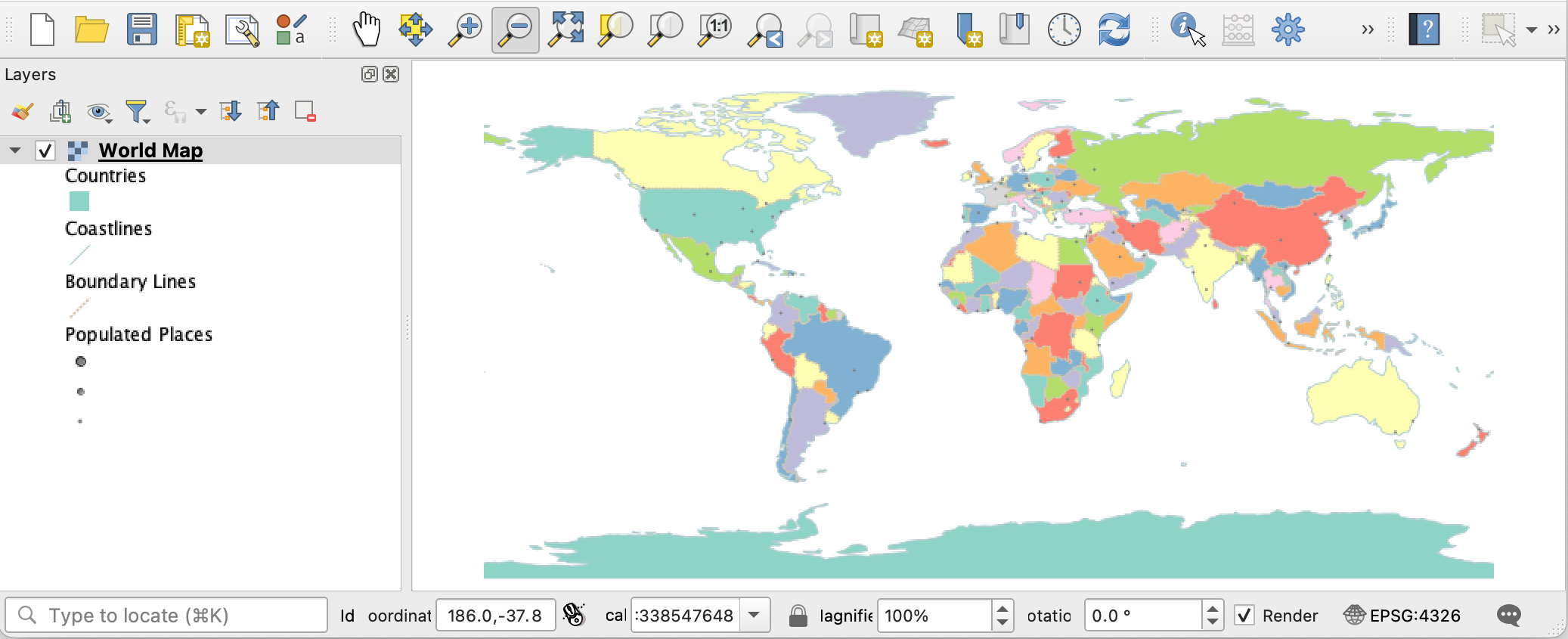
QGIS Desktop GIS Map
Opening these URLs in the browser download or display machine readable the service description.
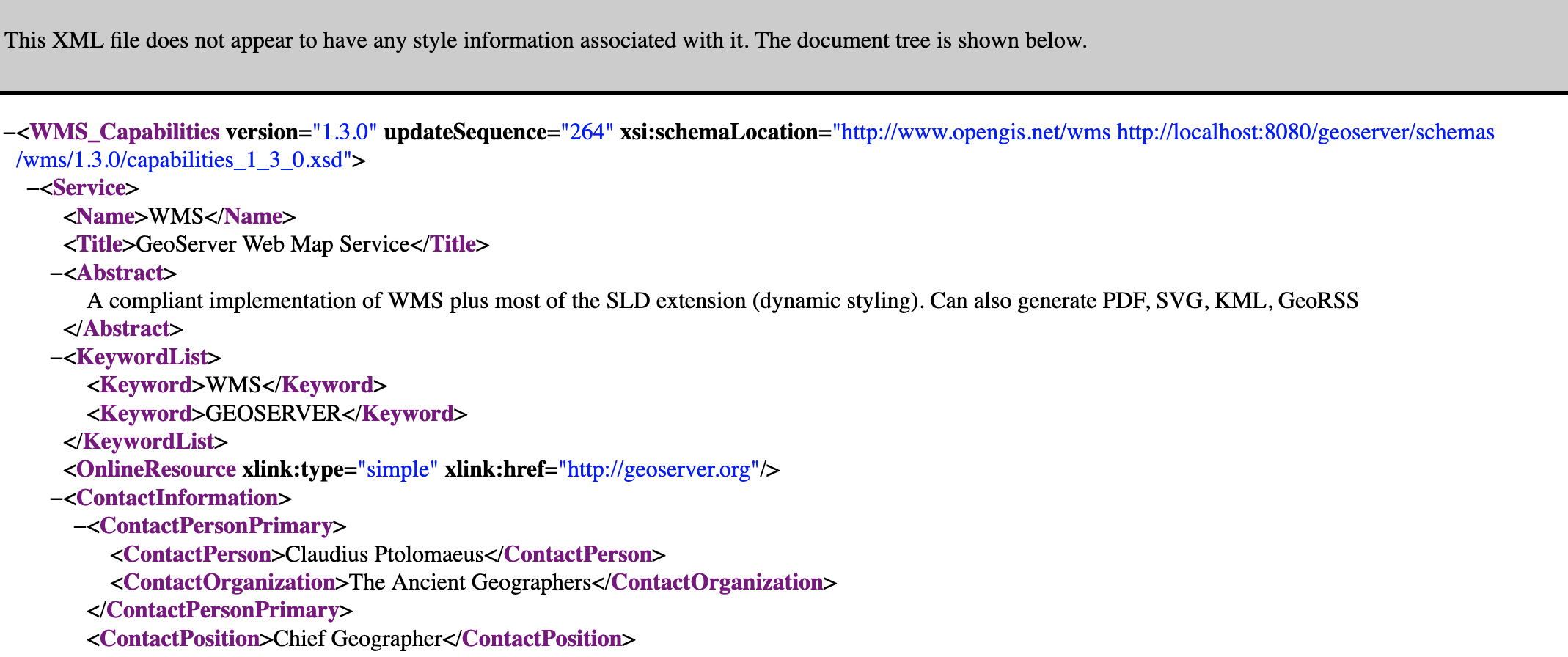
WMS 1.3.0 GetCapabilities Document
If global web services are disabled the initial welcome page web services will not be available.
Workspace Web Services
Use the workspace selector in the side panel on the left of the welcome page to choose a workspace. The welcome page contact information and web services are updated to match the workspace selected.
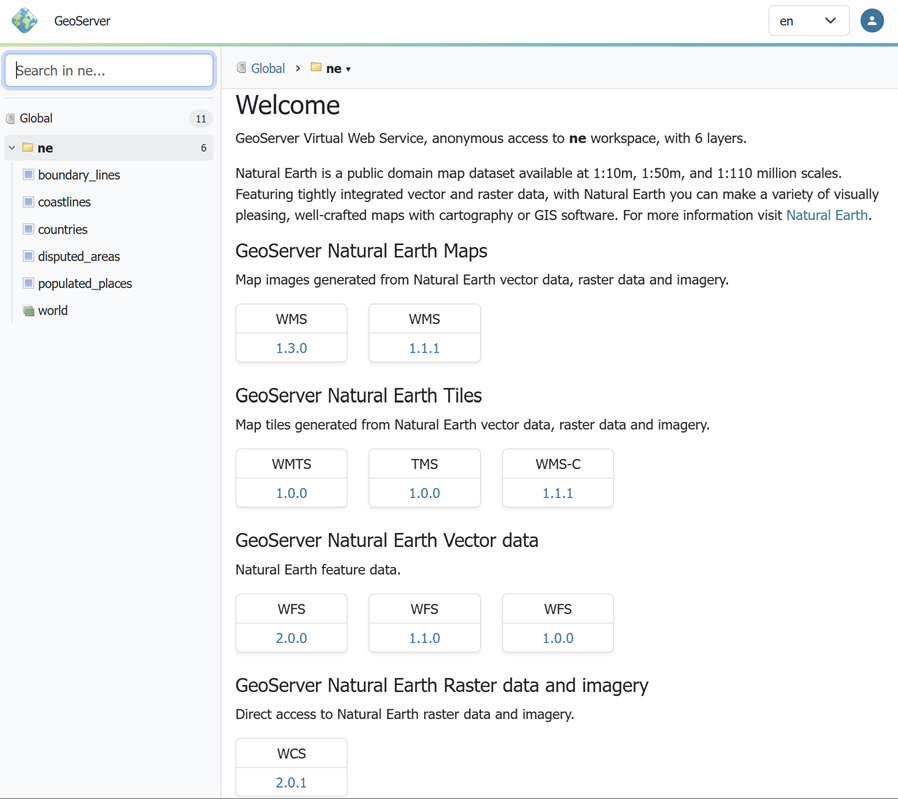
Welcome Workspace Web Services
The web service links provided may be used in your Desktop GIS or web mapping application to access the workspace layers.
Layer Web Services
Use the layer selector in the side panel on the left of the welcome page to choose a layer or layer group.
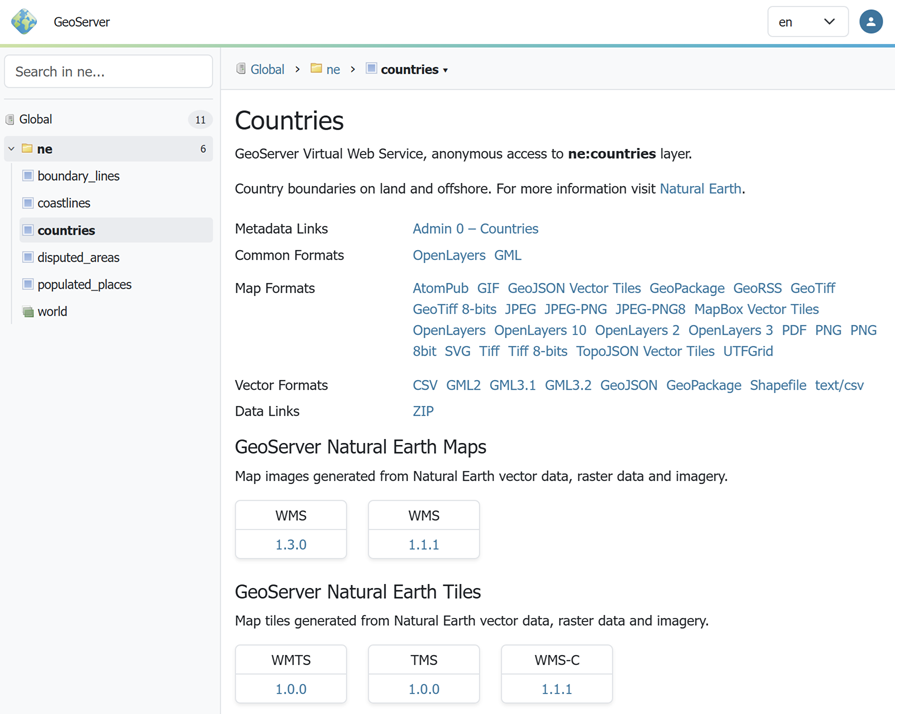
Welcome Workspace Web Services
The workspace selector, along with the page contact information and web services, are updated to match the layer selected.
Administration
When logged in with administrative credentials a configuration overview is provided, access to common actions, along with any information or warning notifications.
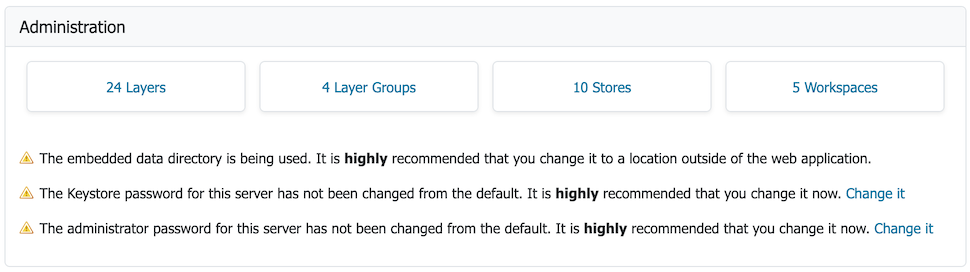
Global Administration
For global context:
-
Click Layers link to navigate to the Layers page. If no layers are available the option to Add layers to create a new layer.
-
Click Stores link to navigate to the Stores page. If no stores are available press Add stores to create a new store.
-
Click Workspaces link to navigate to the Workspaces page. If no workspace is available, press Add workspaces to create a new workspace.
For information and warnings:
- GeoServer status information messages provide feedback on normal operation.
- Warnings describe configuration issues to be addressed, often with a short-cut to the configuration page used to address the issue.

Workspace Administration
For workspace context:
- Click Edit Workspace link to navigate to Workspace editor.

Layer Administration
For workspace context:
- Click Edit Layer link to navigate to Layer editor.