Docker Container
Geoserver is also packaged as a Docker Container. For more details, see the Geoserver Docker Container Project.
See the README.md file for more technical information.
Quick Start
This will run the container, with the data directory included with the container:
Make sure you have Docker installed.
Download the container:
These instructions are for GeoServer 2.28.0.
docker pull docker.osgeo.org/geoserver:2.28.0
Run the container
docker run -it -p 8080:8080 docker.osgeo.org/geoserver:2.28.0
In a web browser, navigate to
http://localhost:8080/geoserver.If you see the GeoServer Welcome page, then GeoServer is successfully installed.
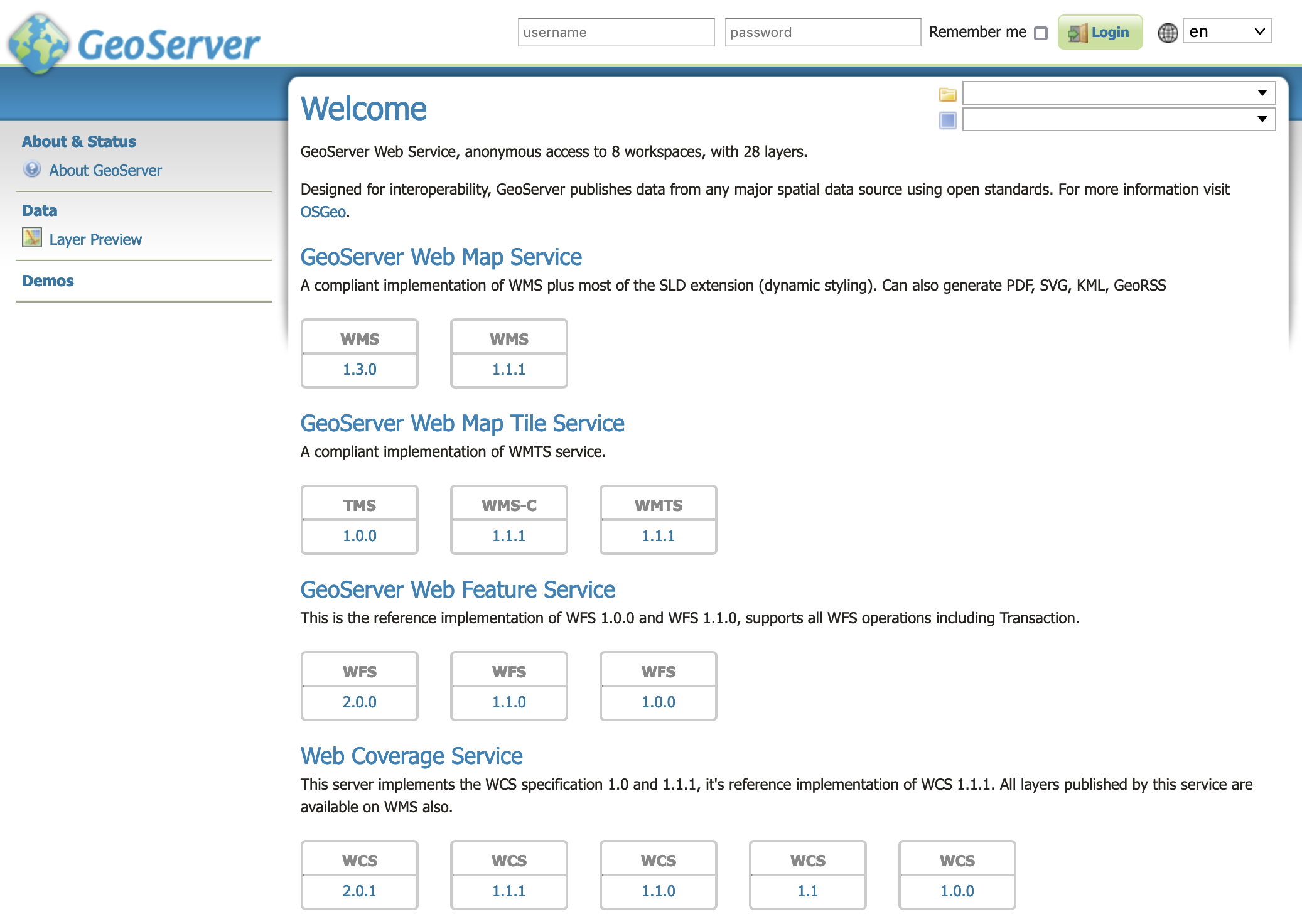
GeoServer Welcome Page
This setup is a quick test to ensure the software is working, but is difficult to use as file data can only be transferred to the data directory included with the container via the REST API.
Using your own Data Directory
This will run the container with a local data directory. The data directory will be mounted into the docker container.
Note
Change /MY/DATADIRECTORY to your data directory. If this directory is empty it will be populated with the standard Geoserver Sample Data Directory.
Make sure you have Docker installed.
Download the container
docker pull docker.osgeo.org/geoserver:2.28.0
Run the container
docker run  -it -p 8080:8080 \
  --mount type=bind,src=/MY/DATADIRECTORY,target=/opt/geoserver_data \
  docker.osgeo.org/geoserver:2.28.0
In a web browser, navigate to
http://localhost:8080/geoserver.If you see the GeoServer Welcome page, then GeoServer is successfully installed.
GeoServer Welcome Page
This setup allows direct management of the file data shared with the container. This setup is also easy to update to use the latest container.
Adding GeoServer Extensions
You can add GeoServer Extensions - the container will download them during startup.
docker run -it -p 8080:8080 \
  --env INSTALL_EXTENSIONS=true \
  --env STABLE_EXTENSIONS="ysld,ogcapi-features" \
  docker.osgeo.org/geoserver:2.28.0
This will download and install the YSLD and OGCAPI - Features extension.
Here is a list of available extensions (taken from the build server):
app-schema               geopkg-output            ogr-wps
authkey                  grib                     oracle
cas                      gwc-s3                   params-extractor
charts                   iau                      printing
control-flow             importer                 pyramid
css                      inspire                  querylayer
csw-iso                  jp2k                     rat
csw                      libjpeg-turbo            sldservice
datadir-catalog-loader   mapml                    sqlserver
db2                      mbstyle                  vectortiles
dxf                      metadata                 wcs2_0-eo
excel                    mongodb                  web-resource
feature-pregeneralized   monitor                  wmts-multi-dimensional
gdal                     mysql                    wps-cluster-hazelcas
geofence                 netcdf-out               wps-download
geofence-server-h2       netcdf                   wps-jdbc
geofence-server-postgres ogcapi-features          wps
geofence-wps             ogr-wfs                  ysld
kml
Testing Geoserver Community modules
Working with a Nightly build is a good way to test community modules and provide feedback to developers working on new functionality.
Community modules are shared as part GeoServer 2.28.0 source code bundle to be compiled for testing and feedback by the developer community.
When the developer has met the documentation and quality assurance standards for GeoServer they may ask for the module to be included in GeoServer.
If you are interested in helping out, please make contact via the developer forum.
Reference:
community modules (Developer Guide)