ArcGrid
Note
GeoServer does not come built-in with support for ArcGrid; it must be installed through an extension. Proceed to Installing the ArcGrid extension for installation details.
ArcGrid is a coverage file format created by ESRI.
Installing the ArcGrid extension
Visit the website download page, locate your release, and download:
3.0-SNAPSHOT geoserver-3.0-SNAPSHOT-arcgrid-plugin.zip
Warning
Ensure to match plugin (example 2.28.0 above) version to the version of the GeoServer instance.
Extract the contents of the archive into the
WEB-INF/libdirectory of the GeoServer installation.
Adding an ArcGrid data store
Once the extension is properly installed ArcGrid will be an option in the Raster Data Sources list when creating a new data store.
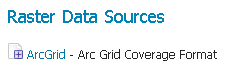
ArcGrid in the list of raster data stores
Configuring a ArcGrid data store
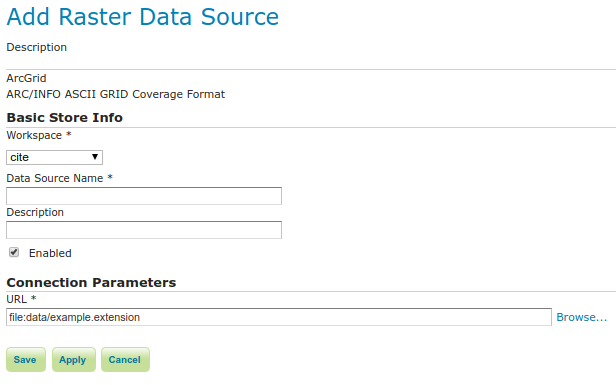
Configuring an ArcGrid data store
Option |
Description |
|
|
|
|
|
|
|
|
|